 HOUSEOPS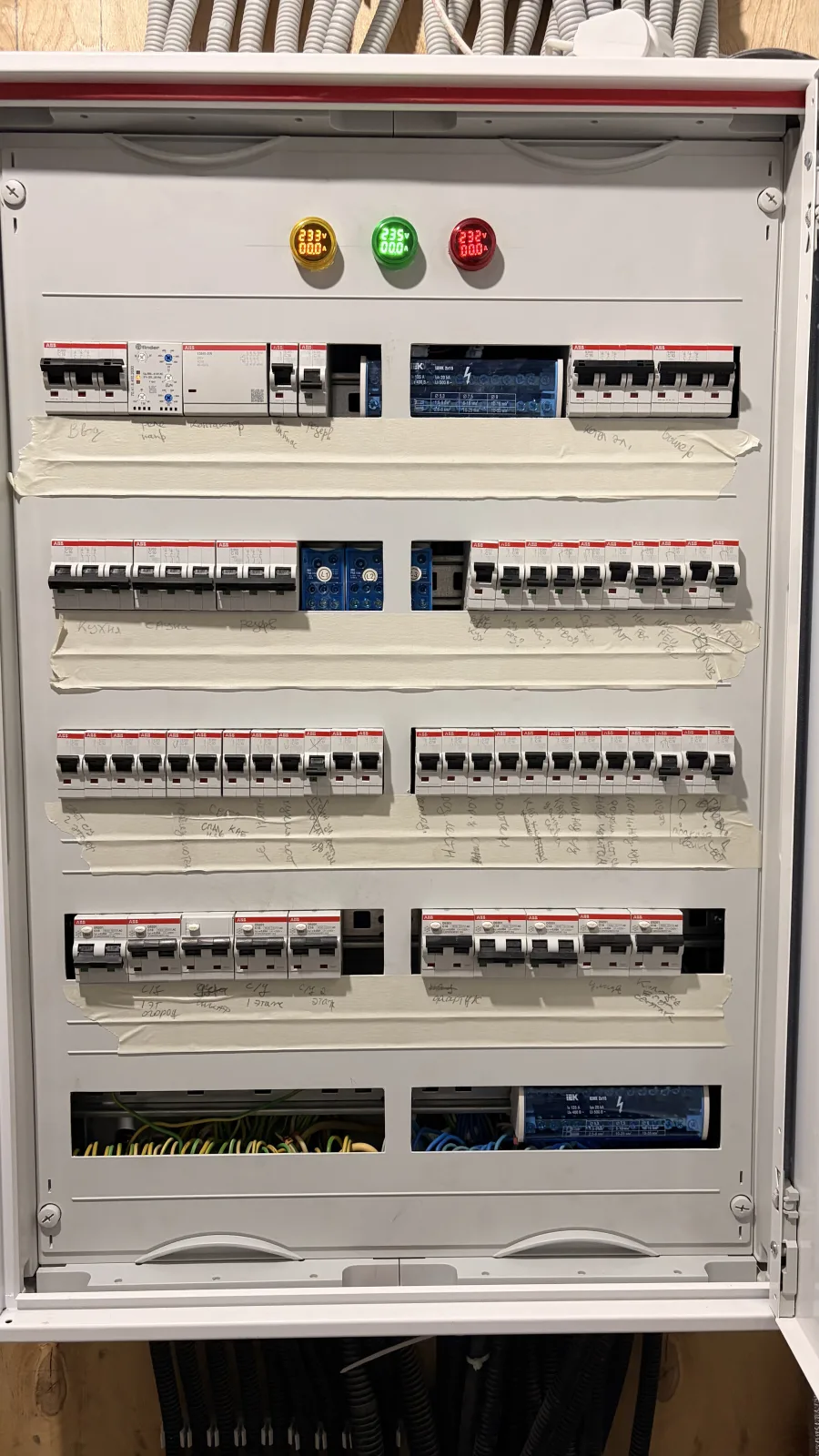
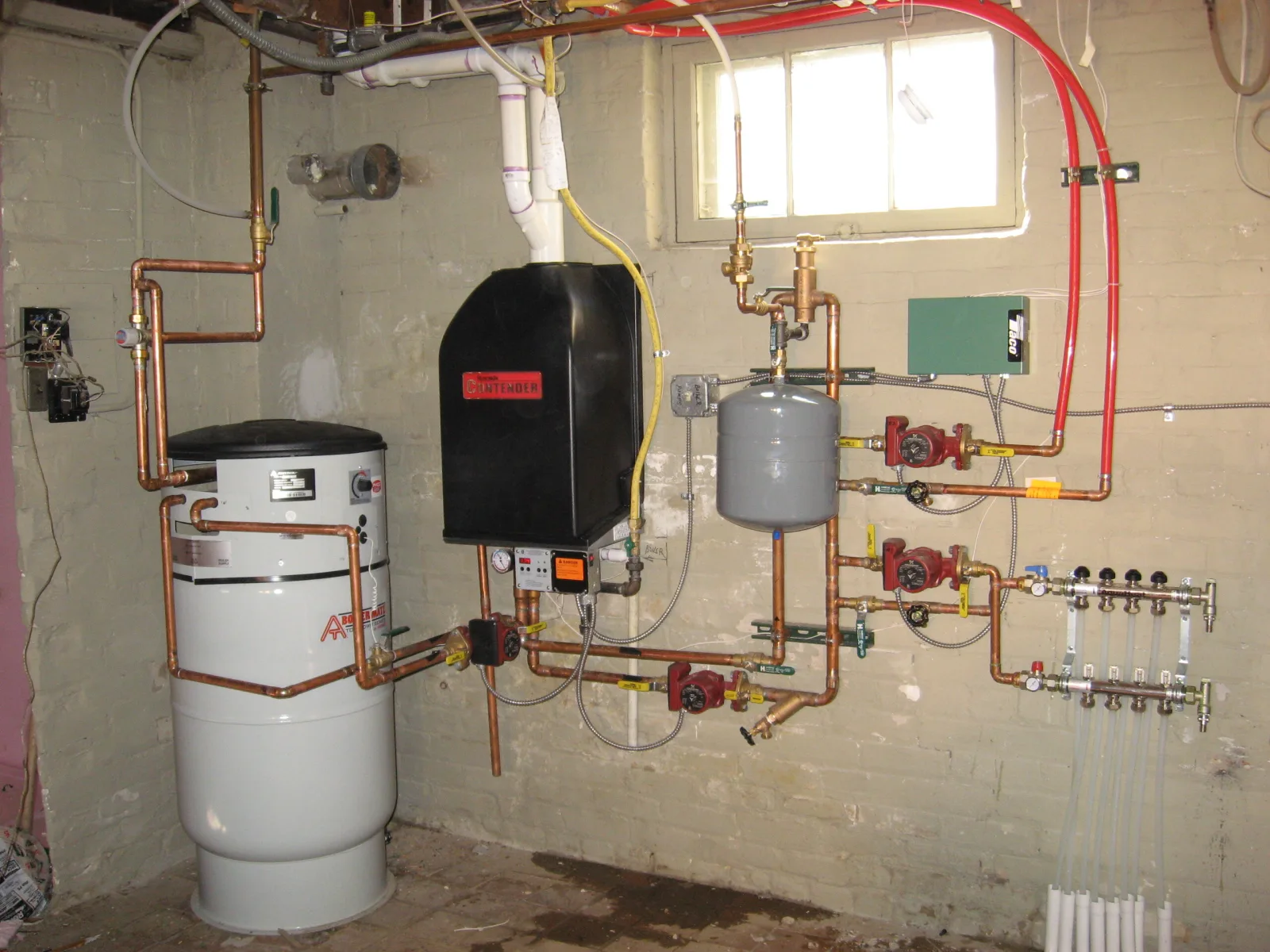
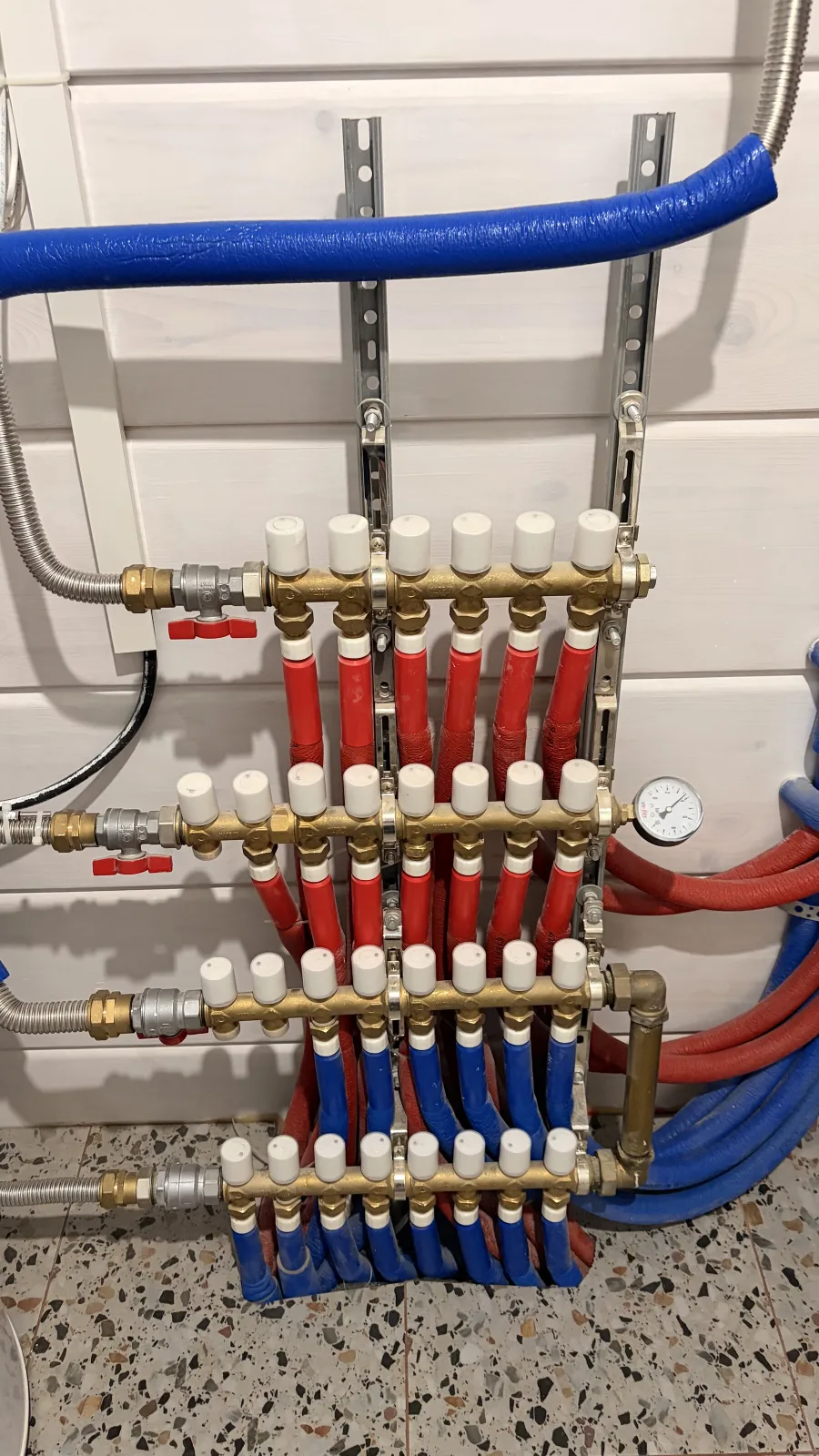

Mark it on a photo
Add several angles, nested panels and precise frames around real equipment. The visual path remains understandable months later.
The visual passport for home systems
Map breakers, valves, filters and equipment on real photos. Keep labels, maintenance and step-by-step procedures in one portable record.
Core records work offline. No account required.
One record. The real home.
HouseOps connects the physical object, its visible label, where it appears in the home, and what to do next.
Add several angles, nested panels and precise frames around real equipment. The visual path remains understandable months later.
Keep the physical label, purpose, system, normal readings and documents together.
Search by name or label, then follow the photo path down to the exact object.
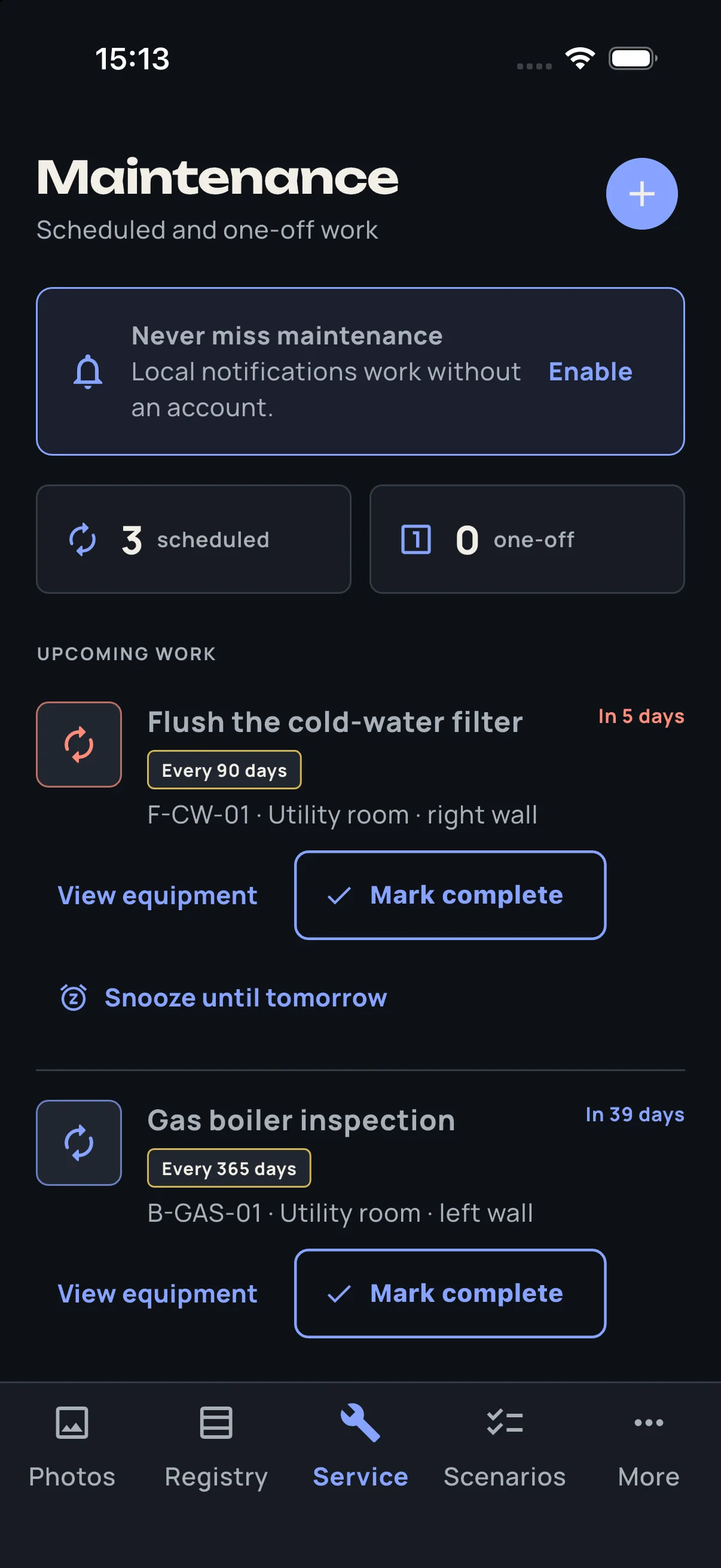
Recurring tasks, service history and checklists make the passport operational.
Put a readable registry inside the panel and compact labels on equipment.
More than an inventory
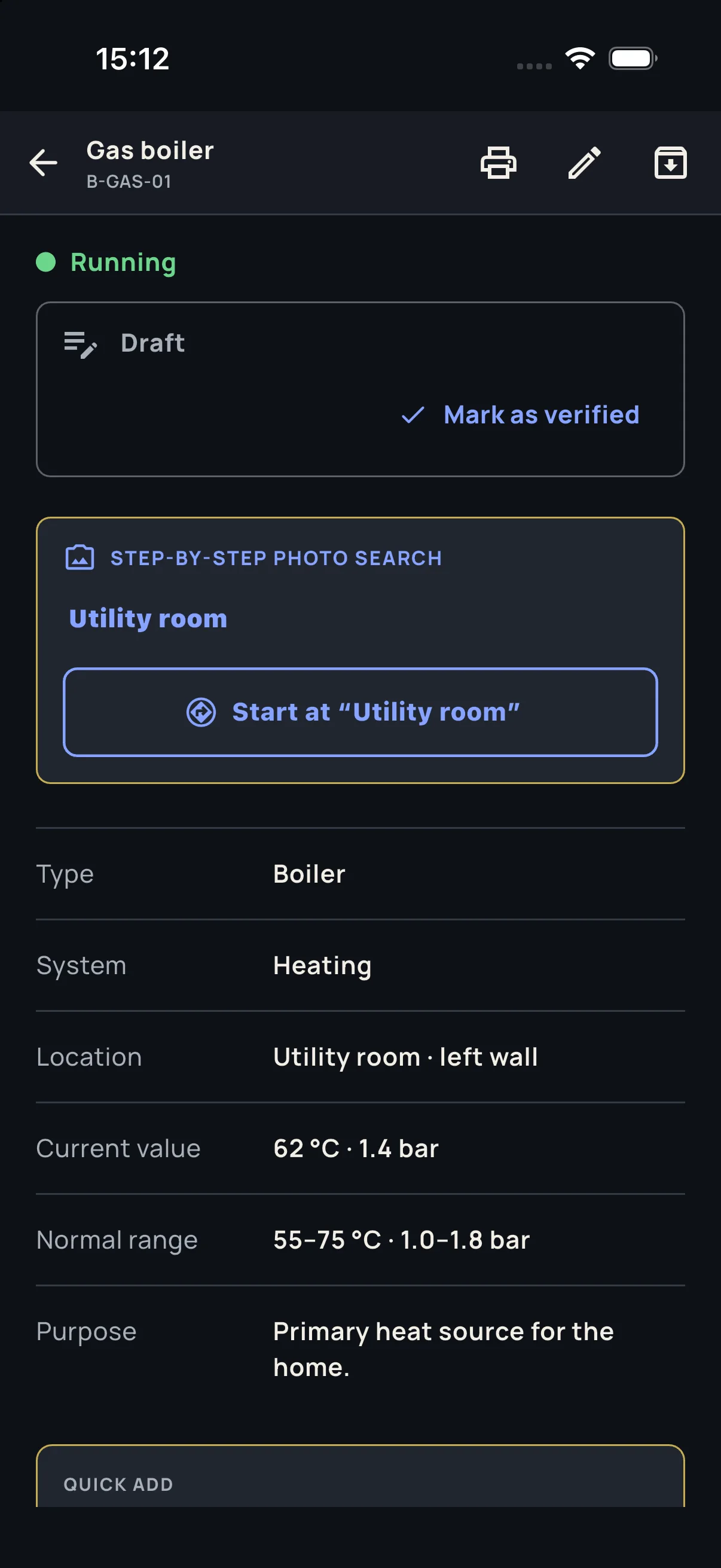
Open an equipment card to see where it lives, what it does, its normal range and the next service task. Then jump directly back to the physical object.
Leave the documentation behind
Technicians can review completeness, print a clean registry and hand the owner an importable HouseOps snapshot plus a readable HTML or PDF copy.
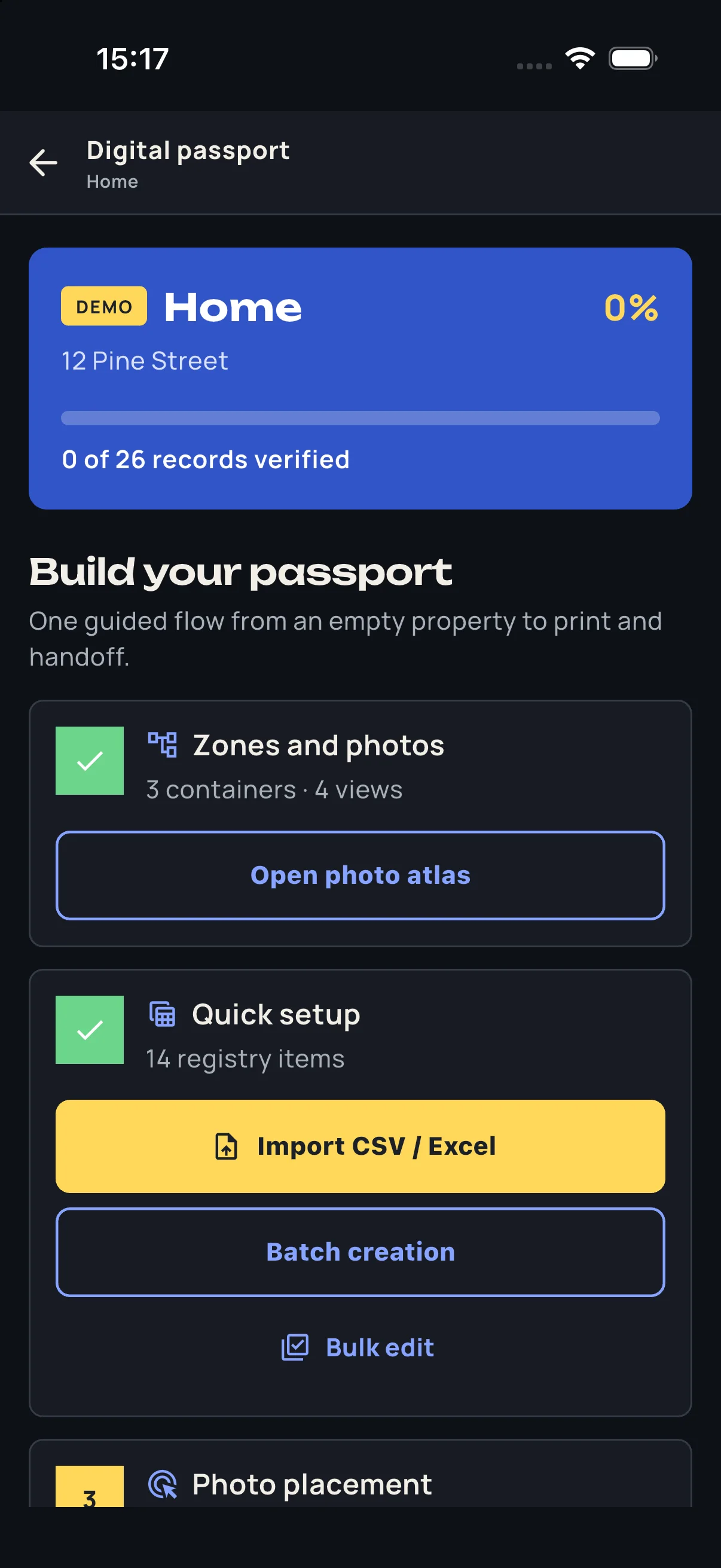
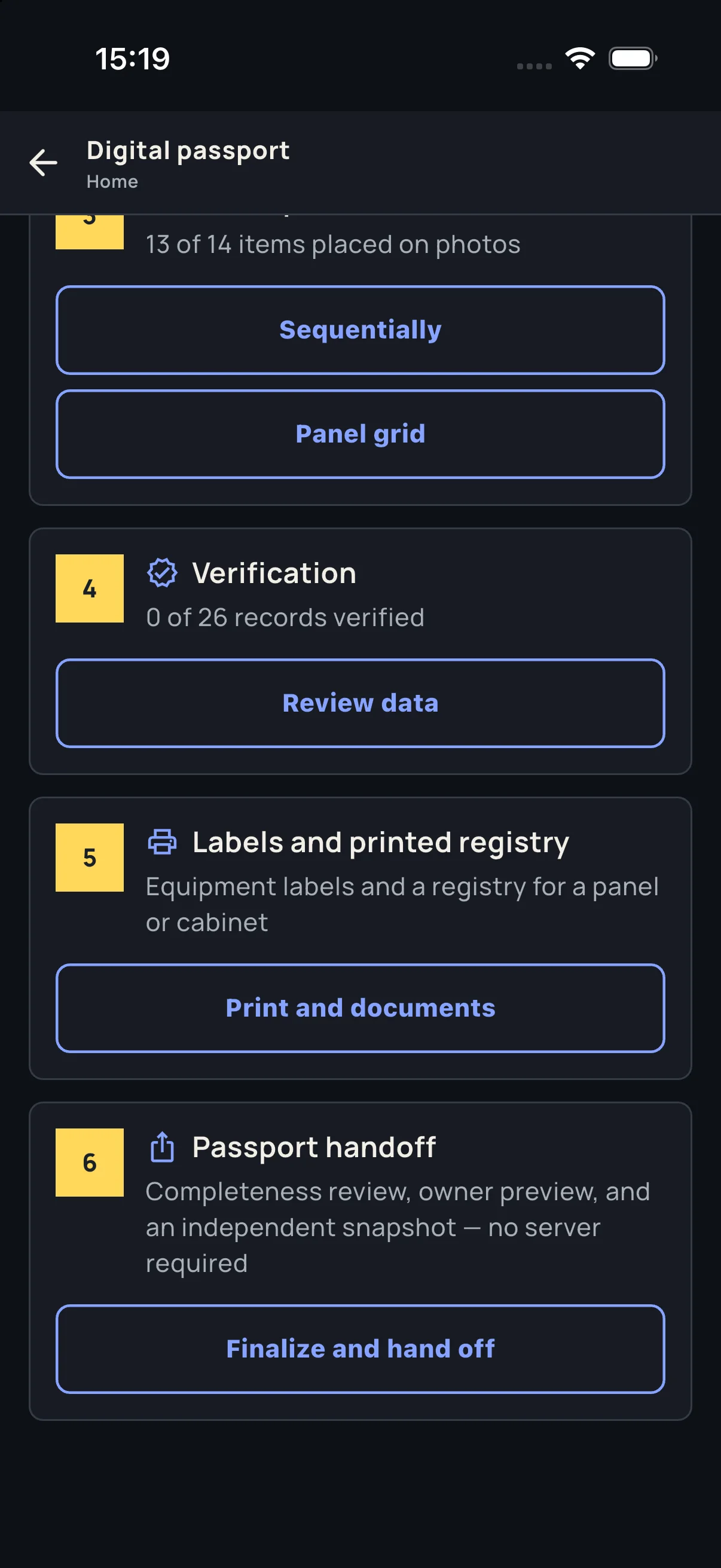
Built around your handoff
Each workflow focuses on the records, physical labels, and owner questions that matter to that trade.
Electricians
Panel photos, circuit registry, printable labels, and branded owner handoff.
For electricians →HVAC
Equipment, operating context, maintenance, and service contact.
For HVAC contractors →Plumbers
Valves, manifolds, filters, procedures, and owner handoff.
For plumbers →Home builders
Combine trade closeout records into one verified home systems passport.
For home builders →Homeowners
Find equipment, understand it, and stay ahead of maintenance.
For homeowners →Not ready to map it yourself?
Tell us which 2–3 breakers, valves, or components matter most. No app install required.
Now available for iPhone
Start with the panel, valve, filter, or system you never want to guess about.