 HOUSEOPS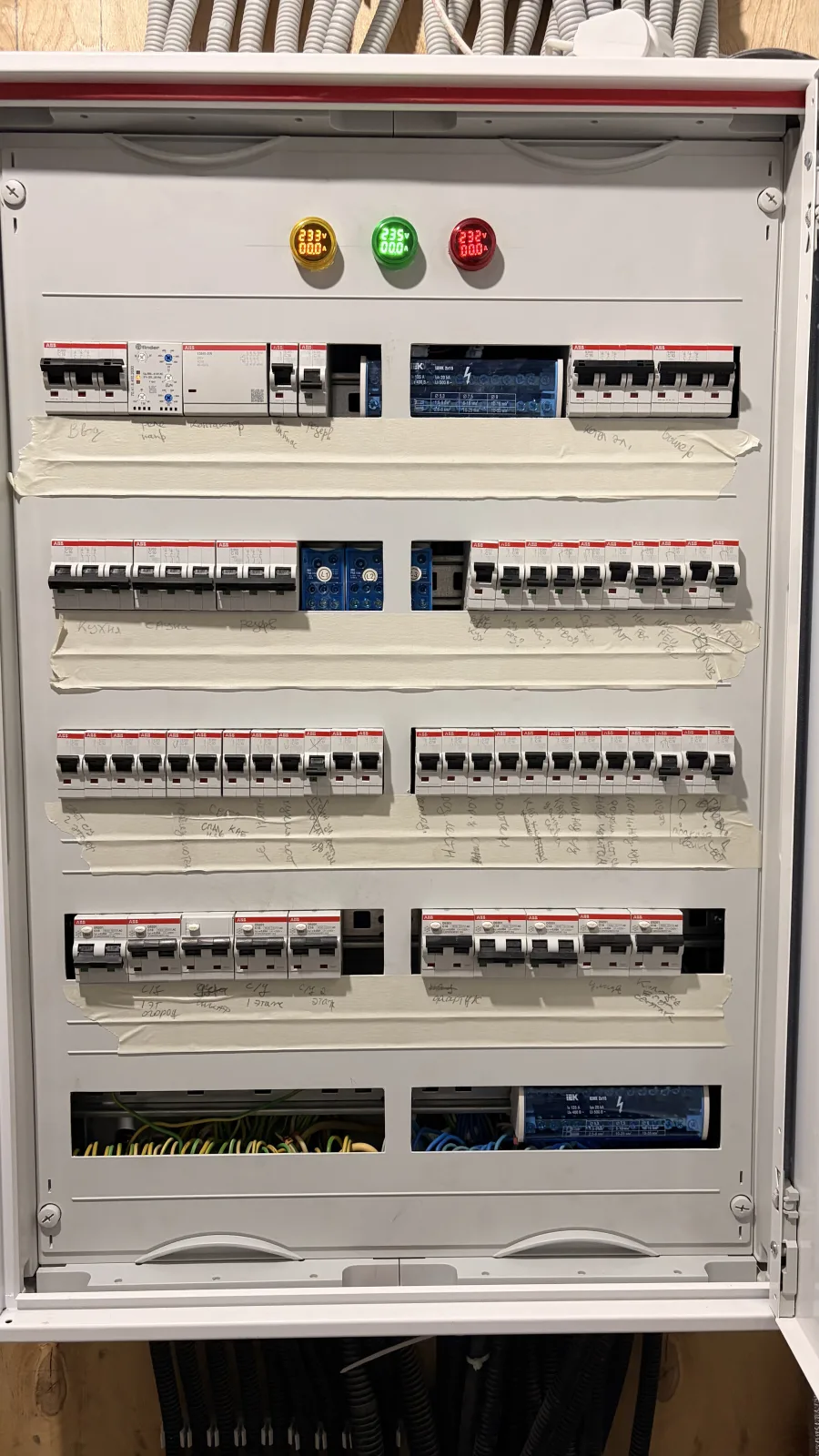

Take one real photo
Add more angles or nested cabinets only when they help reveal what is hidden.
HouseOps for homeowners
Know which breaker, valve, or filter you are looking at — where it is, what it does, and what needs attention next.
Core records work offline. No account required.
A useful result in one session
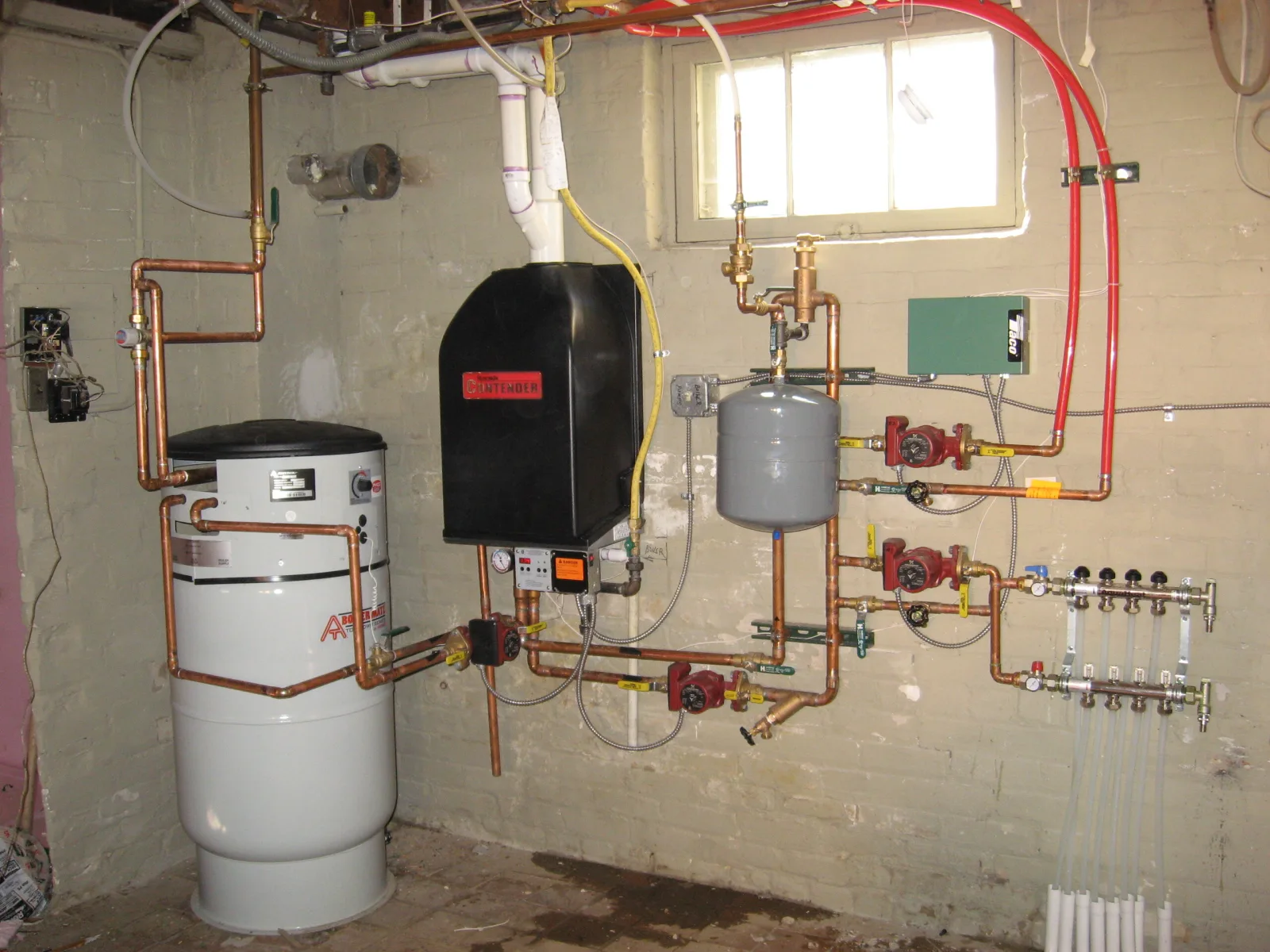
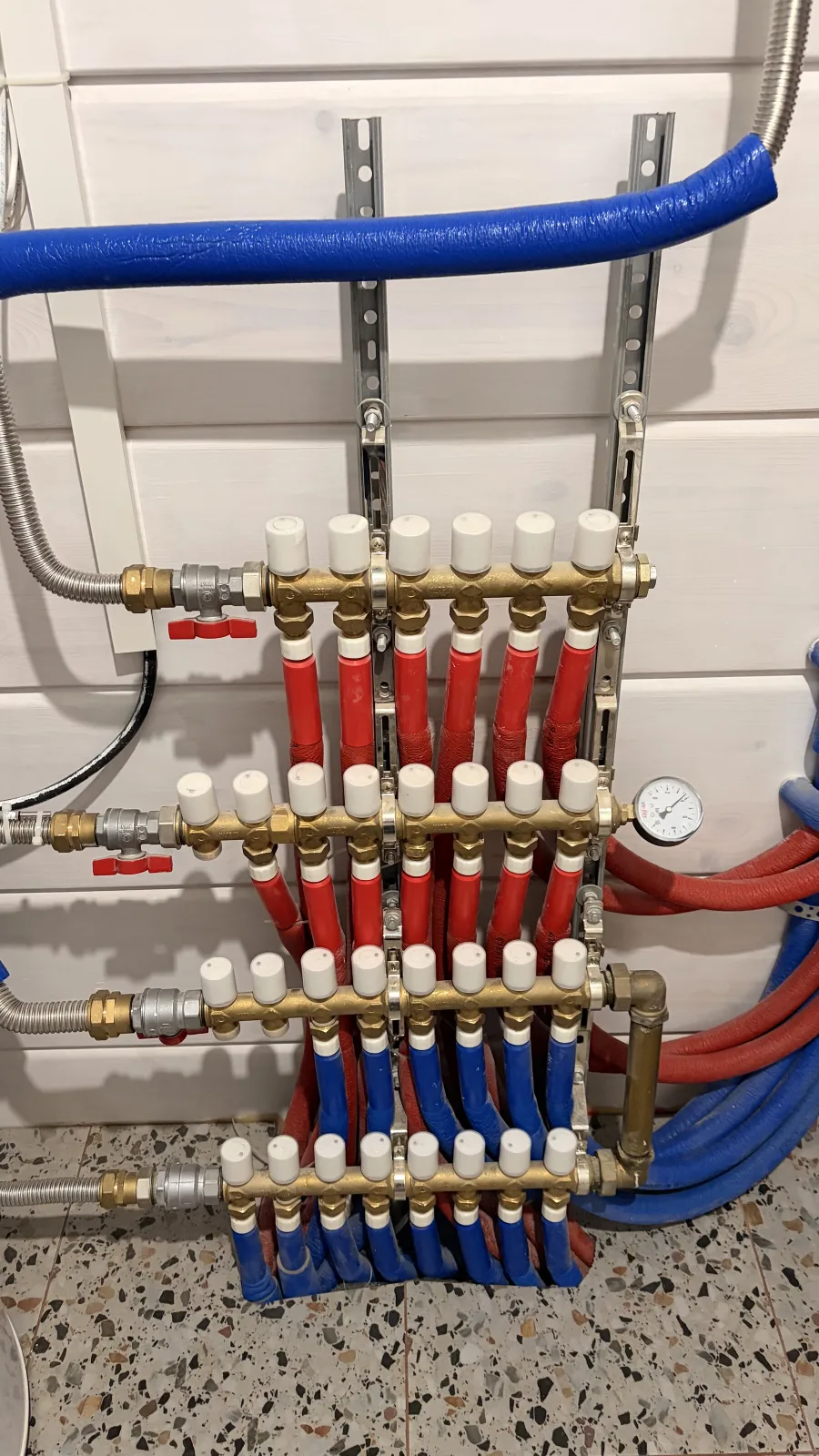
Start with the area that matters most: the main panel, water shutoff, utility room, or HVAC equipment.
Add more angles or nested cabinets only when they help reveal what is hidden.
Give each item a visible label, purpose, and location without repeating every field.
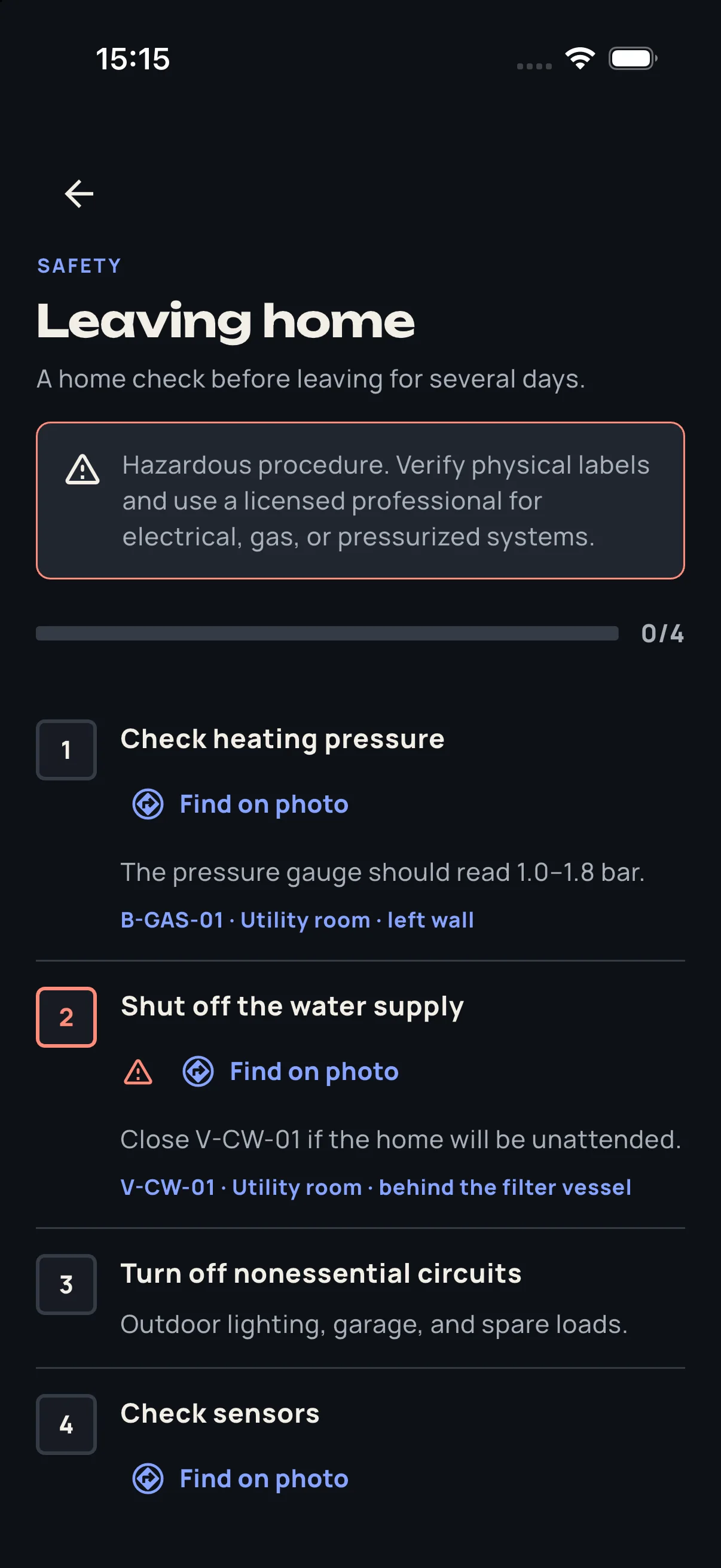
Find the object on a photo, print a clean registry, or schedule its next maintenance task.
Be ready later
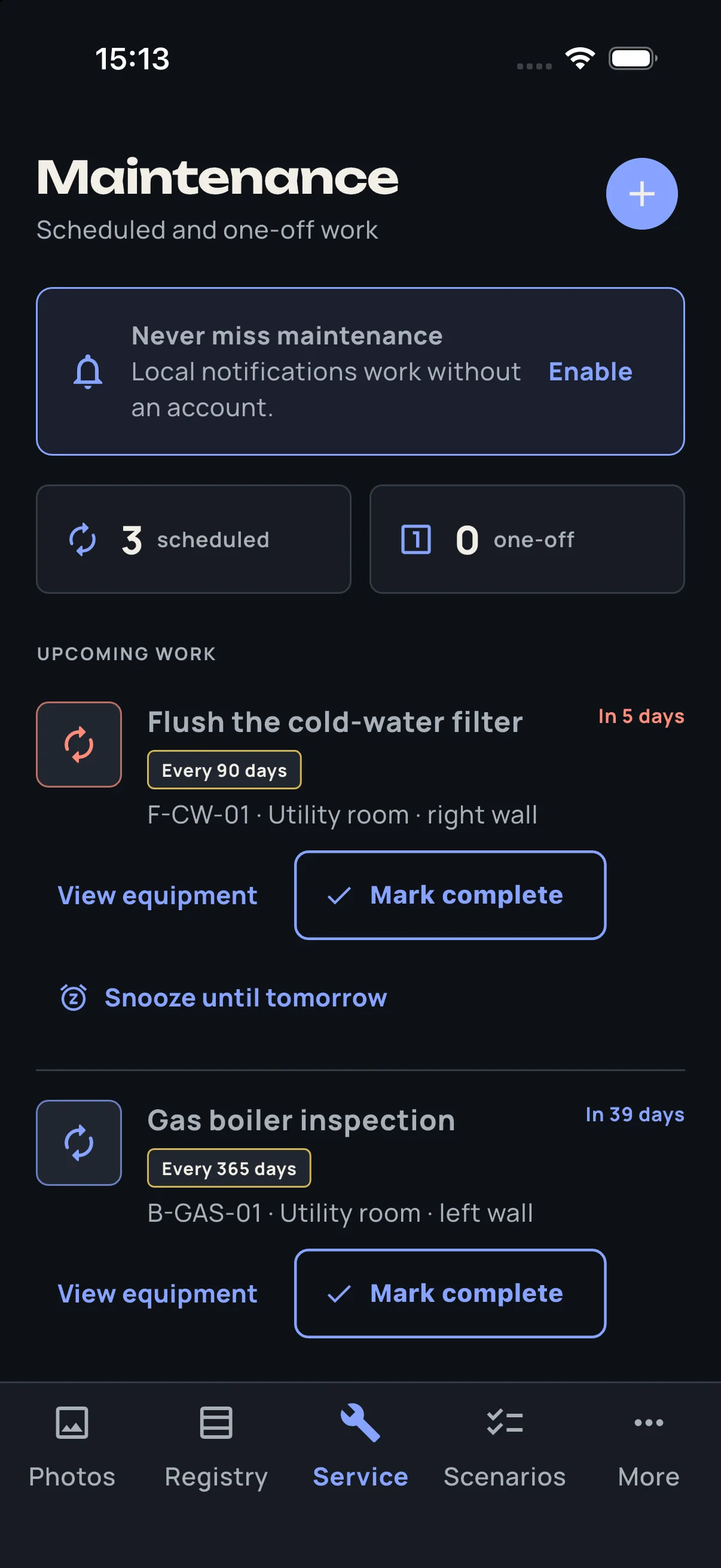
The task does not end with “replace filter.” HouseOps can show which filter, where it is, and the equipment record behind it.
Received from your installer
A participating contractor can prepare the system record, transfer it to you, and leave their service contact beside the equipment they installed.
A useful result before the setup
Choose the 2–3 objects you need to find. We will return a short video or screenshots — no app install required.
Now available for iPhone
Document your electrical panel, water shutoff, HVAC system, or utility room today.